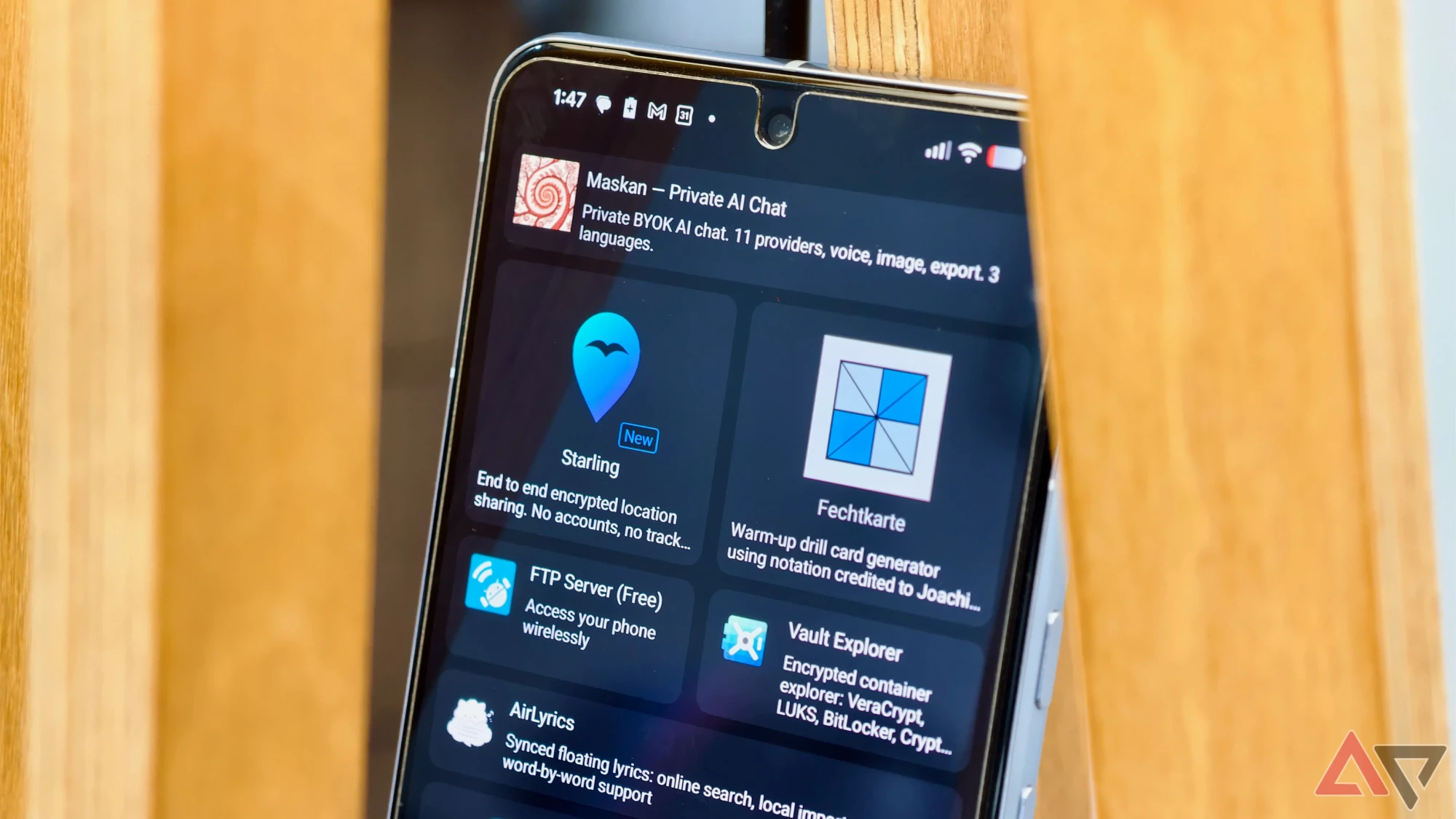
F-Droid 2.0 Is a Ground-Up Rewrite After 15 Years
F-Droid ships its biggest update in 15 years — a full Kotlin Compose rewrite with better search, cleaner UI, and the same no-tracking principles.

Google is rolling out a significant gesture overhaul to Google Messages, changing how users copy text, view timestamps, and reply to individual messages. The changes are already reaching users on Android devices, and early reactions suggest the new controls will take some adjustment.
The update introduces new swipe-based controls for core messaging interactions. Timestamps, which previously appeared at the top of message groups without any user action, now require a swipe gesture on individual messages to reveal. The copy and reply-to-message gestures have also been reworked with new interaction patterns.
The changes affect core texting interactions that have remained largely unchanged in Google Messages for years. Copy, timestamps, and reply are among the most frequently used actions in any messaging app, so altering all three simultaneously is an unusually aggressive UX shift for a stable production app.
Early user feedback has been mixed, with several reports of confusion over the missing timestamps. The old layout showed time information at the top of message groups automatically. The new swipe-to-reveal model hides that information behind a gesture that most users will not discover without being told it exists.
Google has not published a changelog or explanation for the changes, which appear to be rolling out server-side rather than tied to a specific app version. This means some users see the new gestures before others, with no way to opt out or revert to the old behavior.
Google Messages is the default SMS and RCS messaging app on most Android phones outside of Samsung's ecosystem. Changes to its core interactions affect hundreds of millions of users. The shift toward swipe-based controls aligns with trends in other messaging apps, but the lack of any onboarding or tooltip to explain the new gestures makes the transition rougher than it needs to be.
F-Droid ships its biggest update in 15 years — a full Kotlin Compose rewrite with better search, cleaner UI, and the same no-tracking principles.
Google moves its car gaming platform from beta to general availability. Games work only while parked — charging stops, parking lots, curbside waits.
A bug pulls old messages from unrelated chats and attaches them to new conversations. Google says a fix started rolling out September 2.
Find Hub remembers where you left your keys, Motion Assist fights car sickness, and Gemini gets guided vision. Rolling out today.
Organize your favorites into collections
Loading collections...
No collections yet. Create your first collection!